by Everhold
Triggr Core · L1 automation for MSPs

Your L1 service desk, running itself.

Triggr Core runs the routine Microsoft 365 work — onboarding and offboarding, password resets, licence changes, shared mailboxes — across every client tenant. Connect GDAP, switch on the workflows you need, and you’re live in about 20 minutes.

Set up with you, in under an hour · only pay if you keep it

01 — How it works

Connect once. Switch on what you need.

No drag-and-drop, no project. Connect Microsoft GDAP, switch on the workflows you want, and let your team and your clients trigger them — techs from one dashboard, clients from a white-labelled portal.
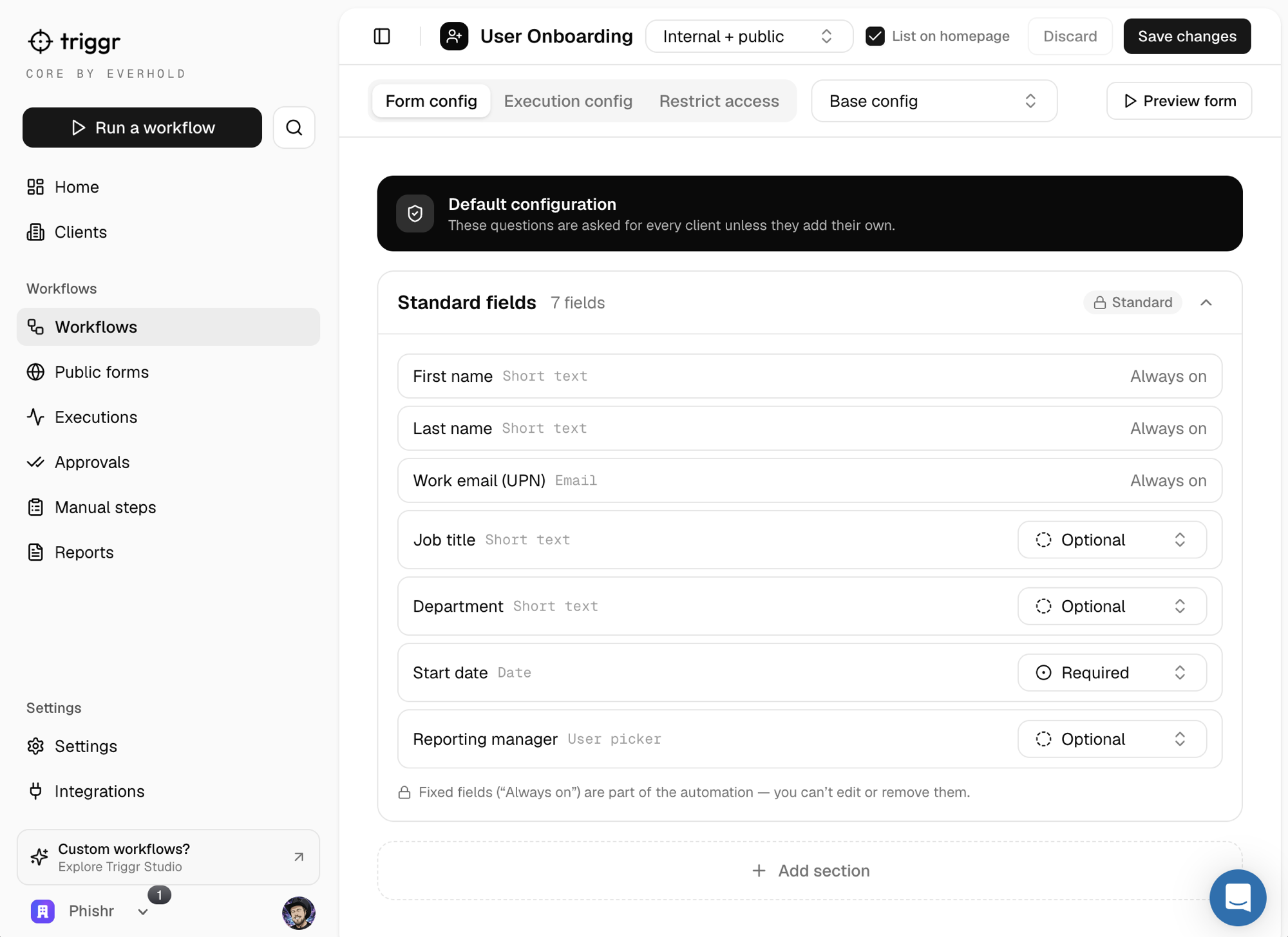
Triggr Core — the User Onboarding workflow's Form config screen, showing standard fields and required/optional toggles. Plain admin forms, no canvas.
Triggr Core — switch on a workflow and tune its form fields. Config only; no code, no canvas.
01

Connect Microsoft GDAP

One connection puts Triggr across every client tenant you manage — securely, under delegated access.

02

Switch on workflows

Turn on the L1 automations you want and tune the forms, approvals and per-client overrides. ~20 minutes.

03

Techs & clients run them

Trigger from one dashboard, or let clients self-serve through a white-labelled portal. The automation handles it.

02 — The catalogue

13 fixed L1 workflows, ready to switch on.

The essential service-desk requests, pre-built and audited — switch on the ones you need.

User lifecycle
2 workflows
  • New user onboarding
  • User offboarding
Accounts & access
3 workflows
  • Password reset
  • Account unlock
  • Licence management
Mailboxes
6 workflows
  • Shared mailbox — create
  • Shared mailbox — access
  • Mail forwarding
  • Mailbox delegation
  • Calendar permissions
  • Out of office
Groups
2 workflows
  • Group — create
  • Group — membership
03 — Your branded client portal

Your clients serve themselves — under your brand.

Give every client a white-labelled portal where their team raises routine requests themselves — Triggr Core runs each one end-to-end, so it never hits your service desk.
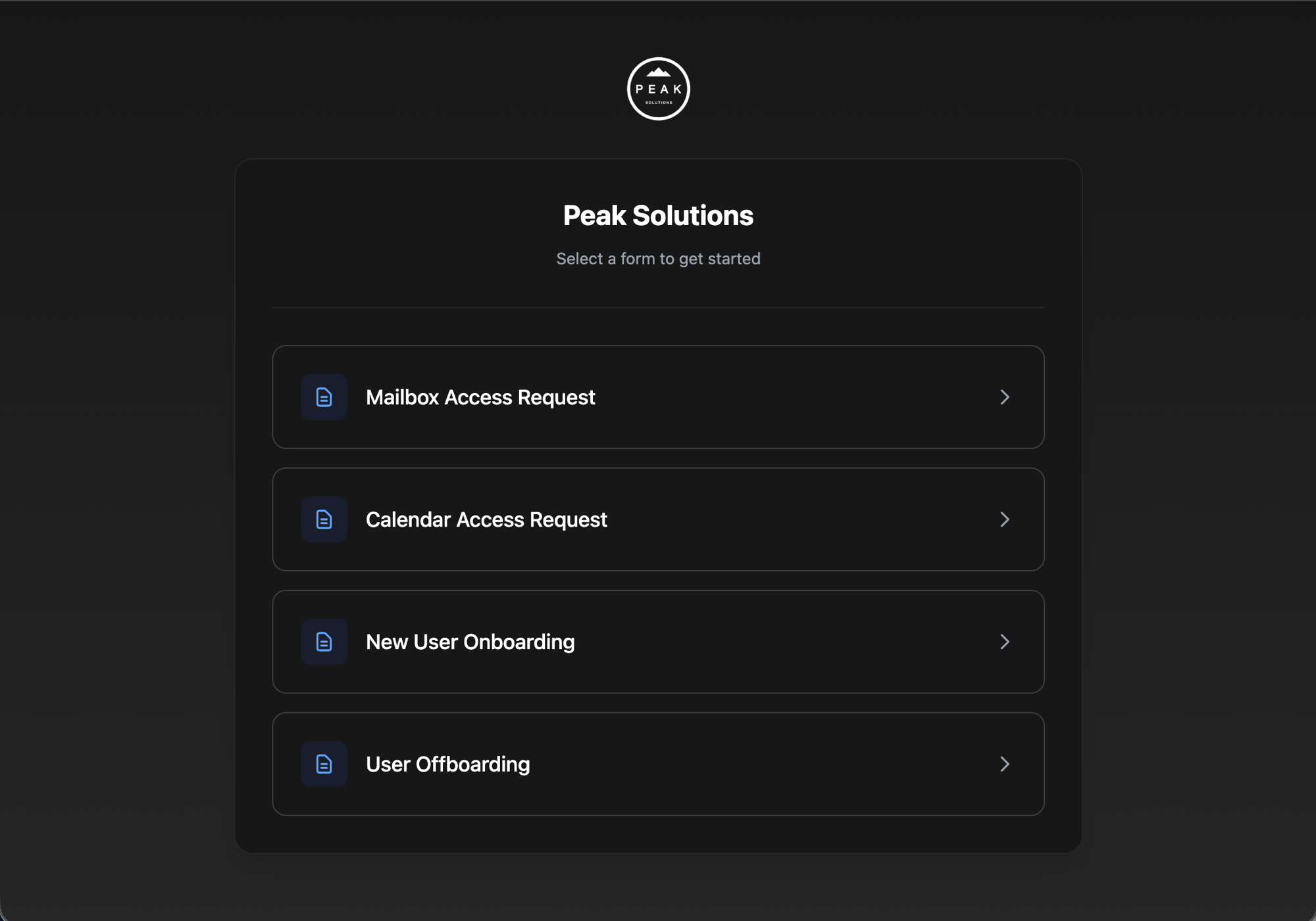
A white-labelled Triggr Core client portal branded 'Peak Solutions', listing self-service forms: Mailbox Access Request, Calendar Access Request, New User Onboarding and User Offboarding.
A live client portal — branded to you, powered by Triggr Core.
04 — Onboarding & your trial

We set it up with you. You pay only if it sticks.

Core is self-serve — but you’re not on your own, and you’re not committing on day one.

Done-with-you onboarding

We switch it on together.

A guided onboarding call — not a “good luck” email.

  • We connect Microsoft GDAP with you and check it lands across your tenants.
  • We turn on the workflows you need and tune the forms and approvals to your process.
  • We white-label your client portal so requests arrive under your brand. Live in ~20 minutes.
Your first 2 weeks are free

Pay only if you keep it.

Run it on your real clients before a penny changes hands.

  • No card to start — the full product, on your real tenants, for two weeks.
  • If it isn’t saving your team time, walk away and pay nothing.
  • Like it? Keep it — billing starts only after the two weeks are up.

Transparent pricing — no quote-gating

Drag to your number of managed clients and see your exact list price — graduated per client, so the rate drops as you grow.

14 managed clients
1 client500
Jump to
$280 /month
Billed monthly · no setup fee
Per-month rate breakdown

List pricing, graduated per client like tax brackets — the rate drops as you grow. 300+ clients move to Enterprise pricing. Billed monthly or annually (2 months free); no setup fee.

Need more than the basics?

Want bespoke workflows built for you? That’s Triggr Studio.

Core runs the fixed L1 catalogue yourself. When you’ve got bespoke, higher-value workflows you’d rather have built and operated for you, a senior engineer does it end-to-end against your stack — PSA, RMM, Pax8, Entra, M365, CIPP — with Hawk included.

From $1,500/mo · senior engineer only · cancel anytime
Explore Triggr Studio
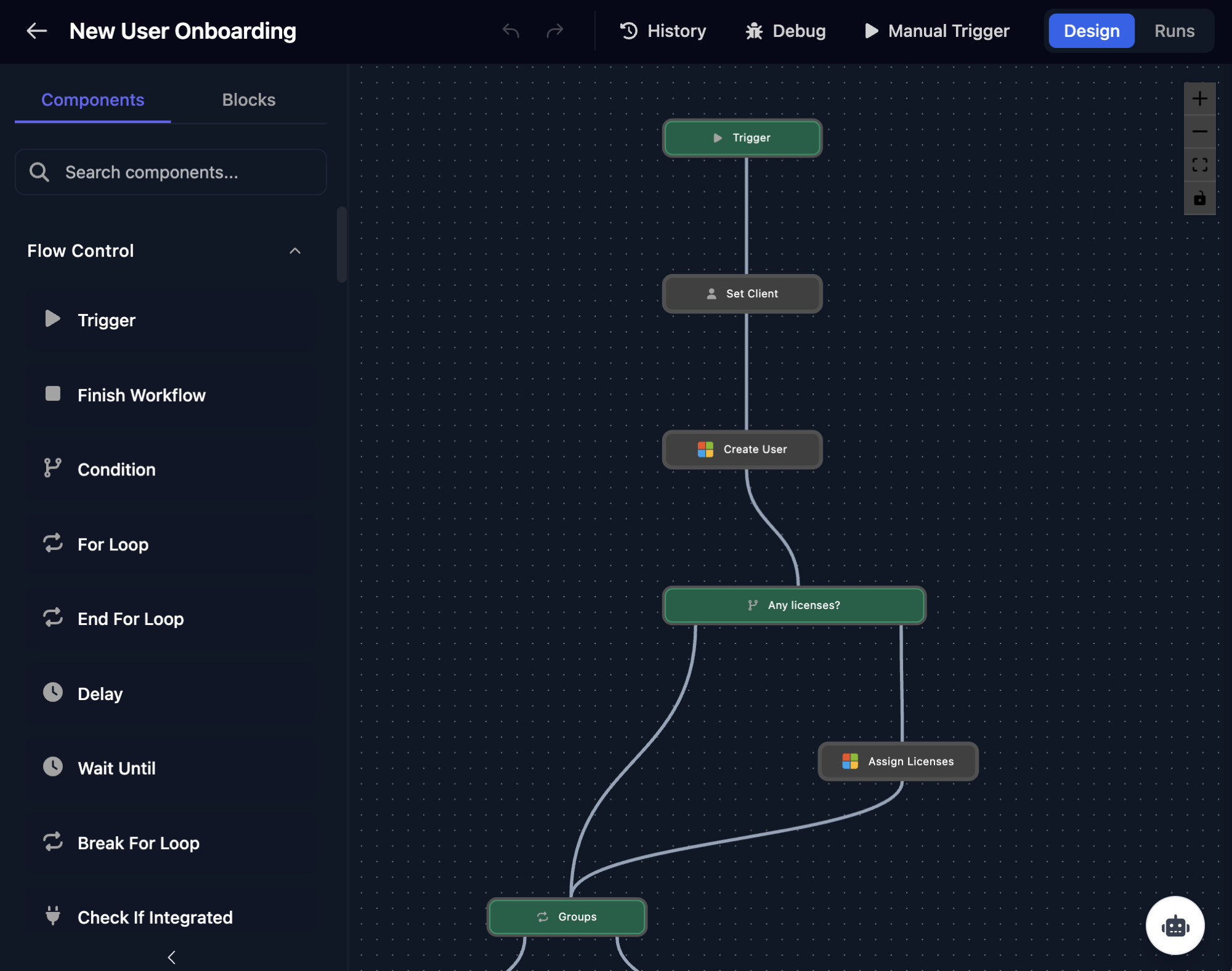
Triggr Studio drag-and-drop workflow builder canvas
See it on your own tenants

Book a 20-minute walkthrough.

We’ll walk you through Triggr Core — a proper demo, no slides. Like what you see? We’ll get you set up on your own tenants in about 20 minutes, and your first two weeks are free.